 OdaMobil

 Turkish





















Features
All the modules and features you need have been designed with dedication to take the interaction between members even further and make it easier.
News
Share innovations, announcements and news.
Courses
Share the courses you organize, receive course requests.
Events
Report events, see attendance status.
Surveys
Create polls, let members vote. Listen to them.
Forum
Let your members ask each other questions and get instant answers.
Video / TV
Share videos about industry topics or your community.
Cv Section
Members looking for a job can share their CVs with institutions.
Job Postings
Recruiting institutions can publish job postings.
Discount Protocols
Share the companies that offer special discounts to chamber members.
Publications
Publish technical documents or papers as PDF.
Communication
Let your members write you messages. Let it get directions and call you.
Companies
Share the registered (authorized) companies in your room.
Application Screens




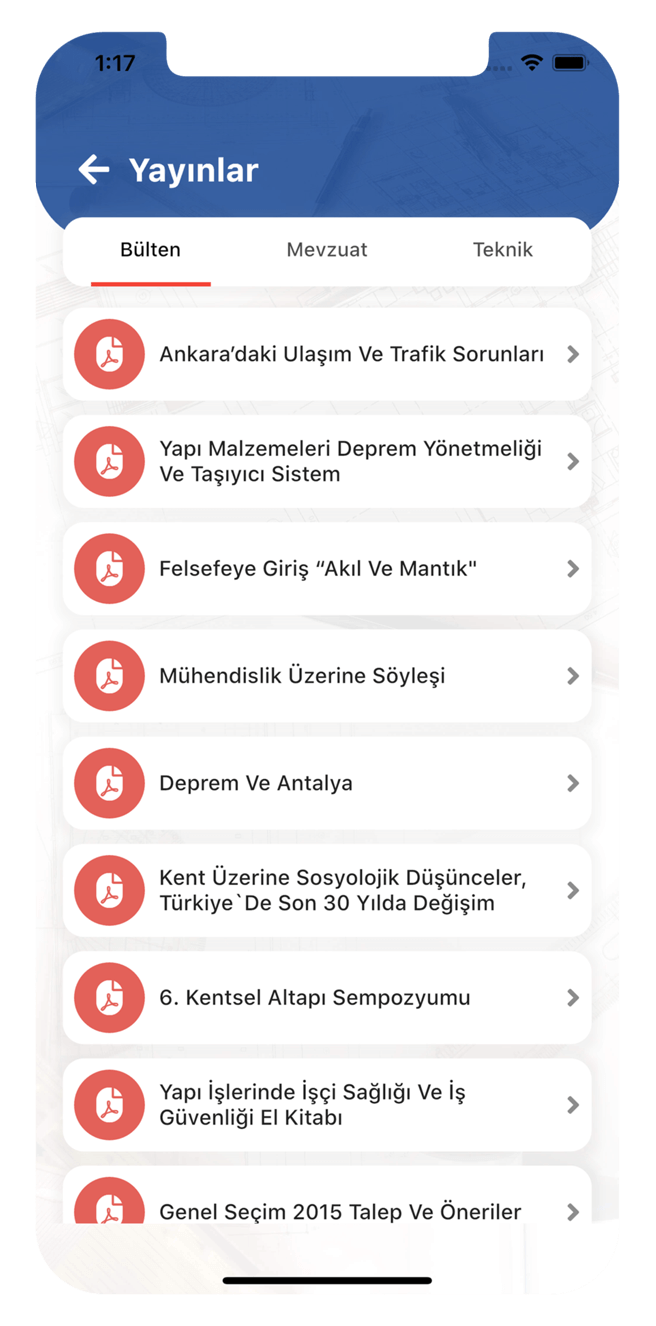
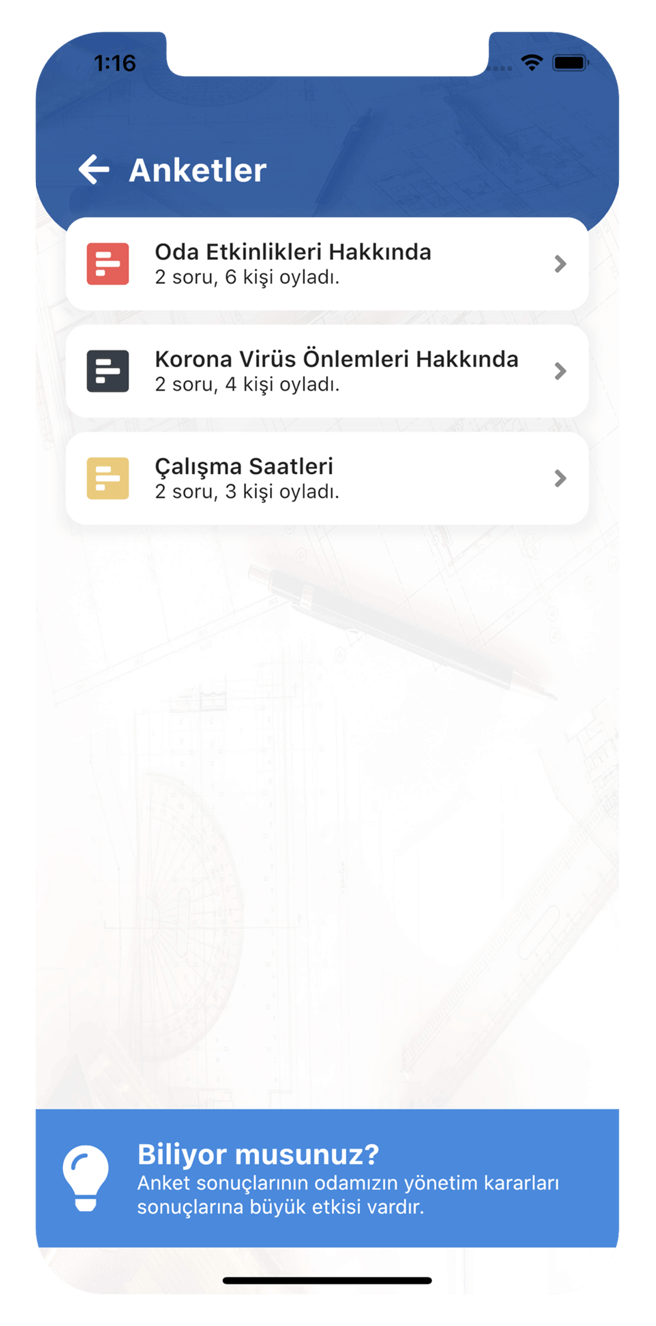
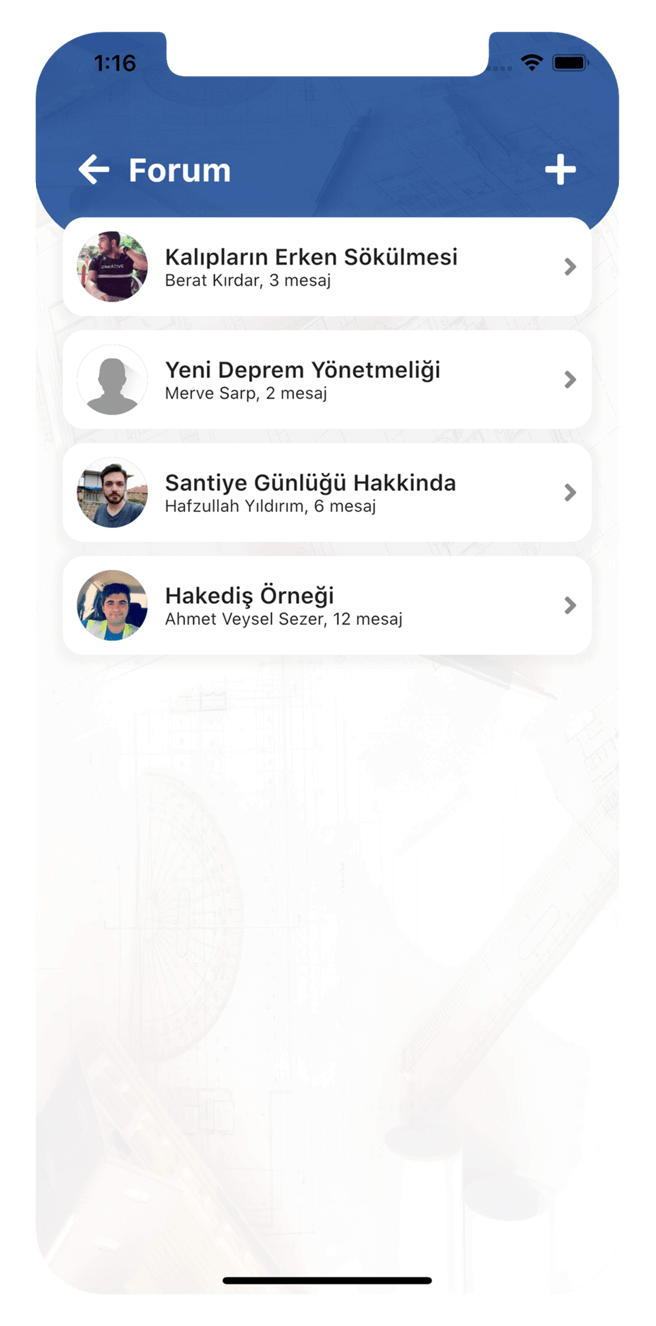

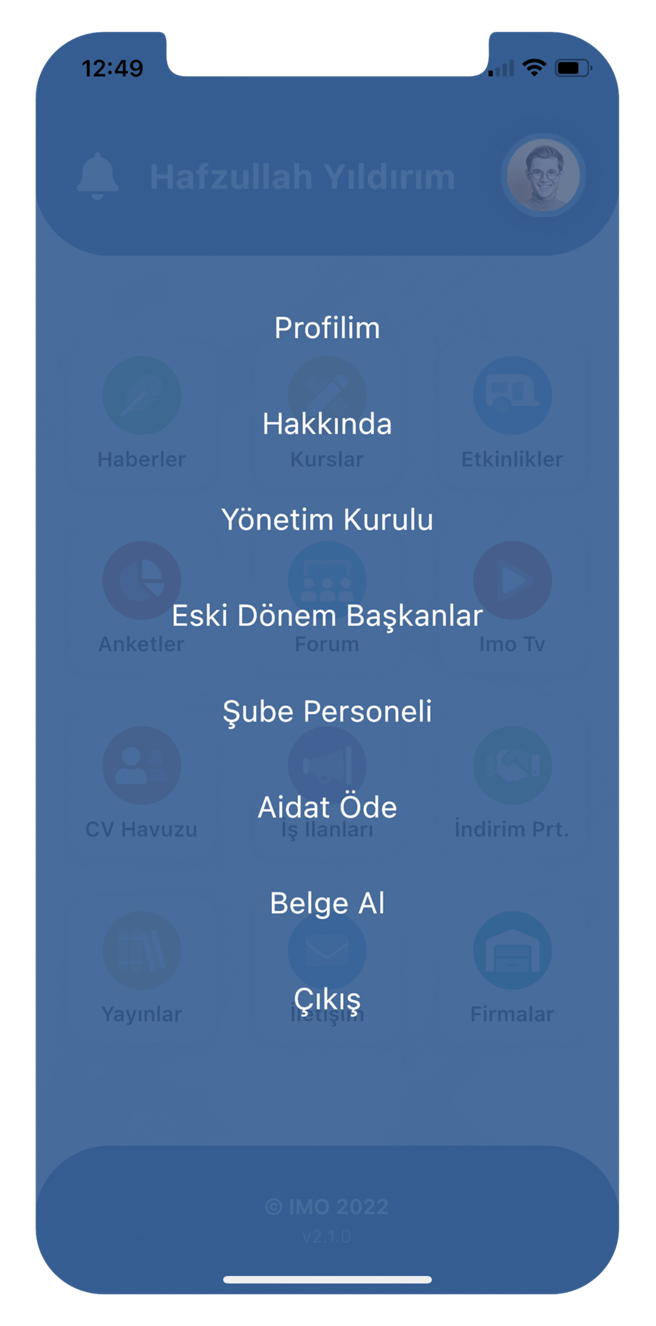
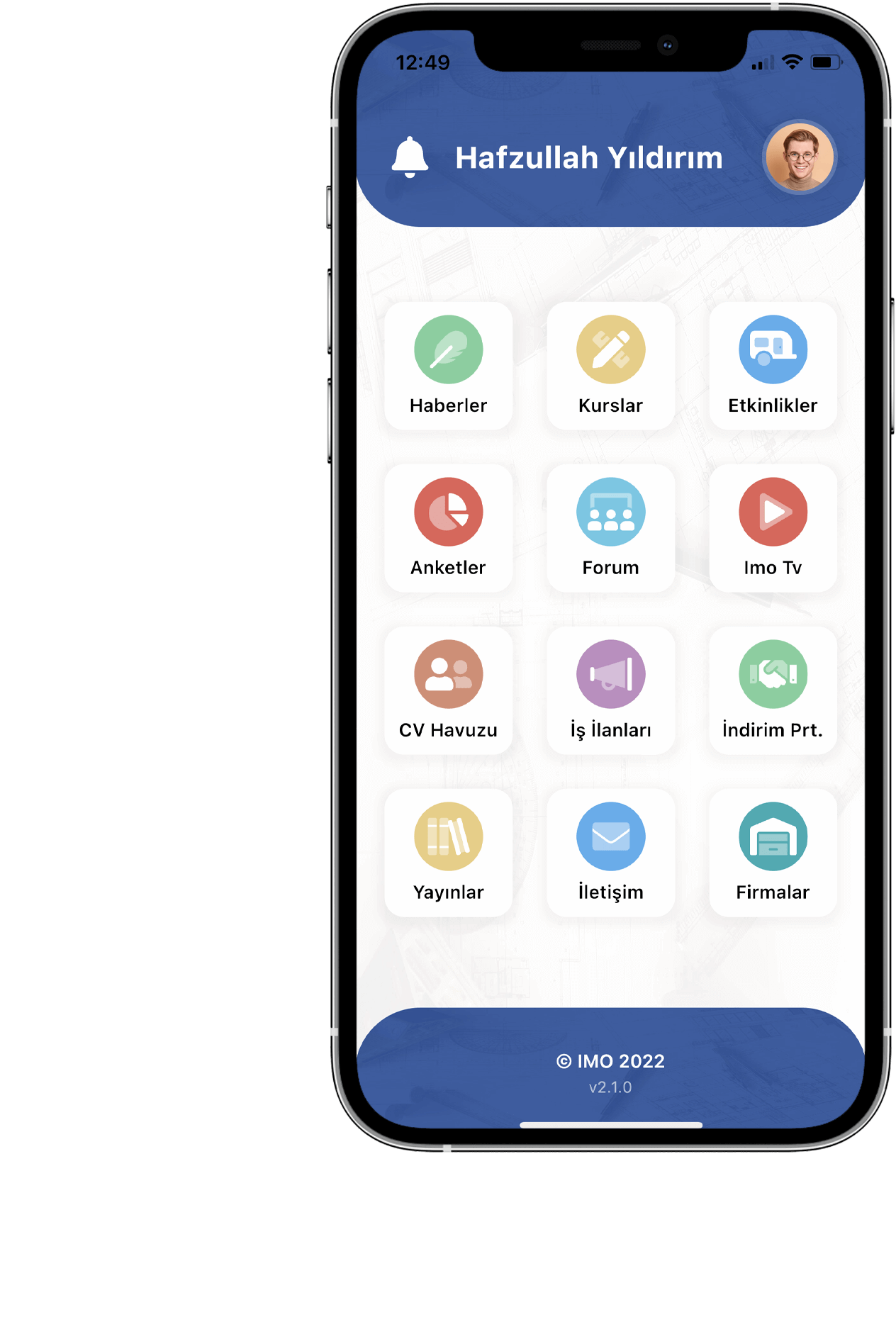
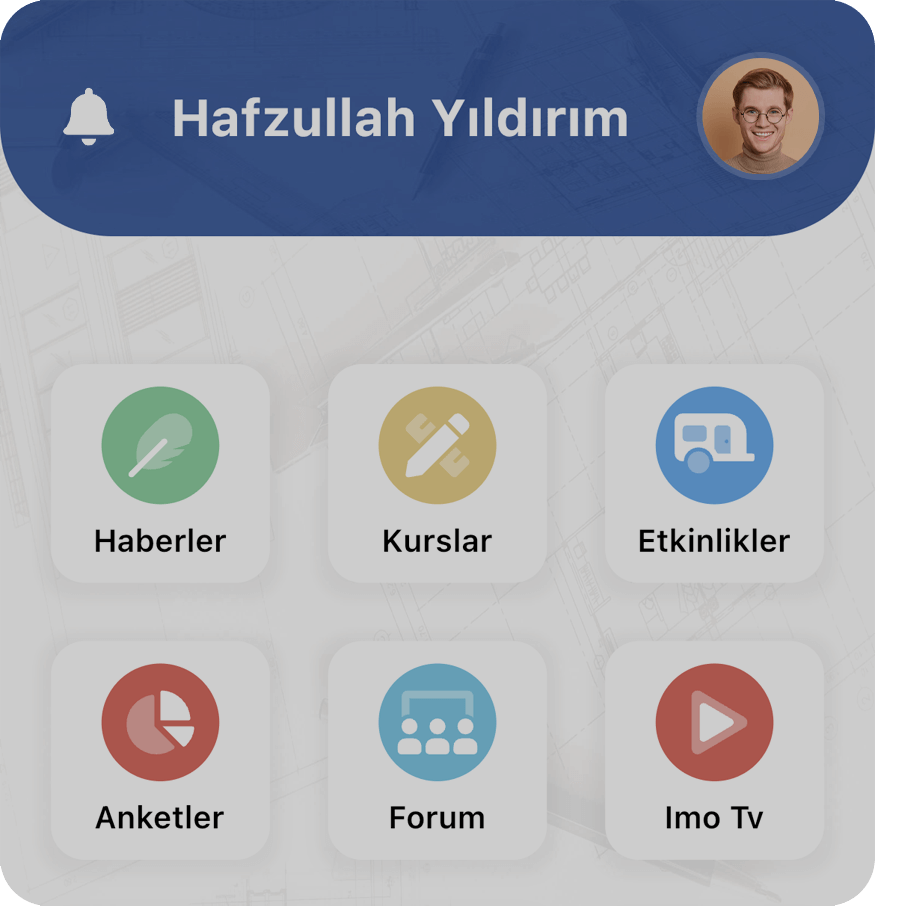
Application Main Screen
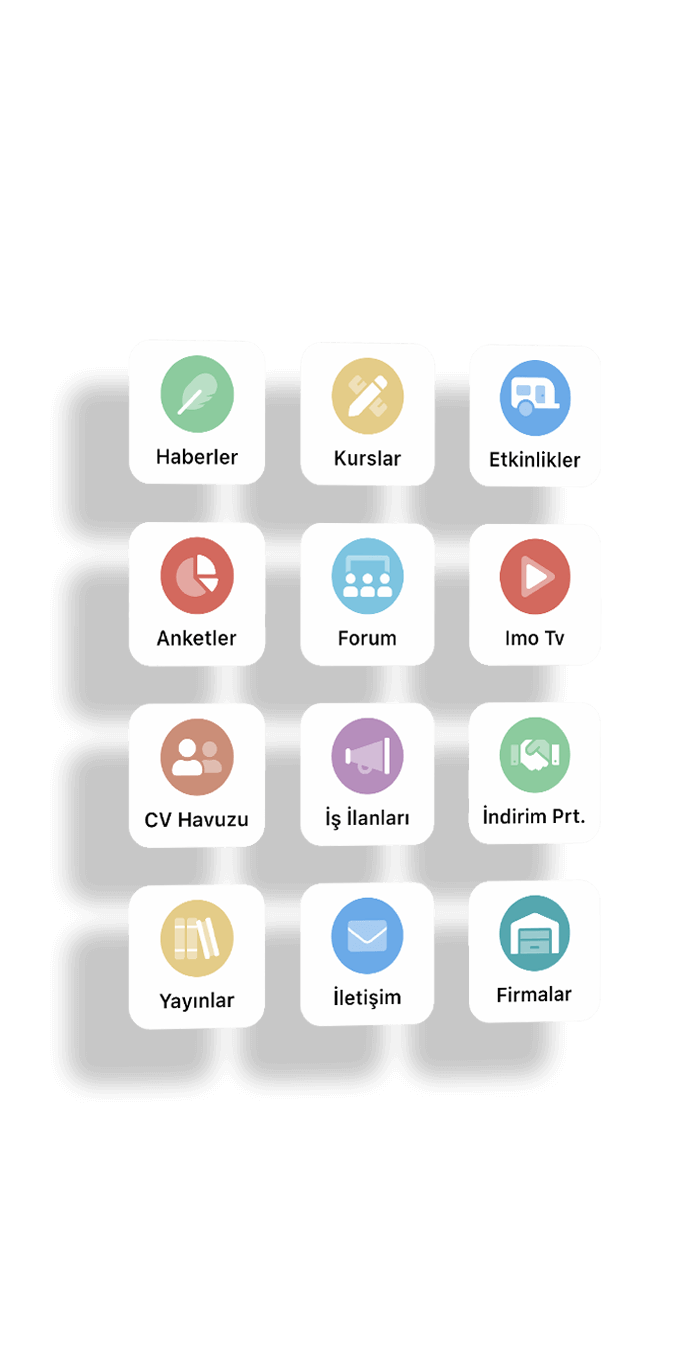
This is the welcome screen that appears after logging in, showing the application modules. You can also switch to notification and profile pages from here.
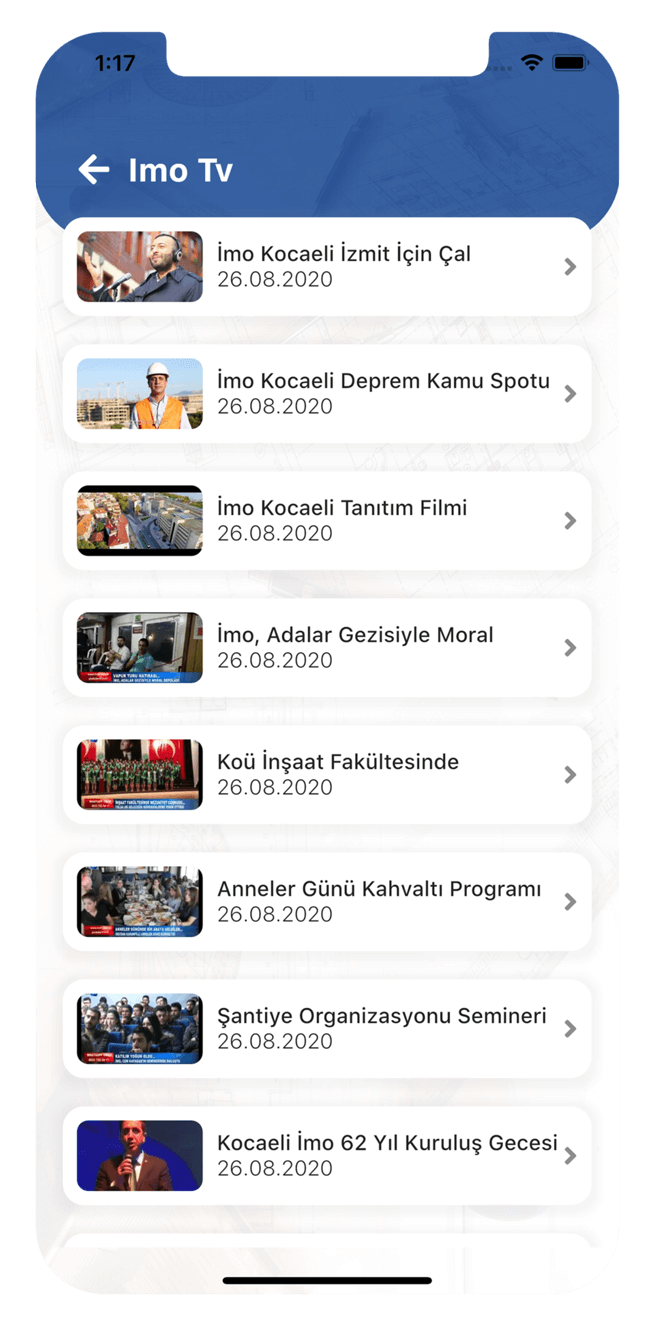
Video / TV
You can share the videos you uploaded on YouTube about institutional or sectoral issues with your members.
Events
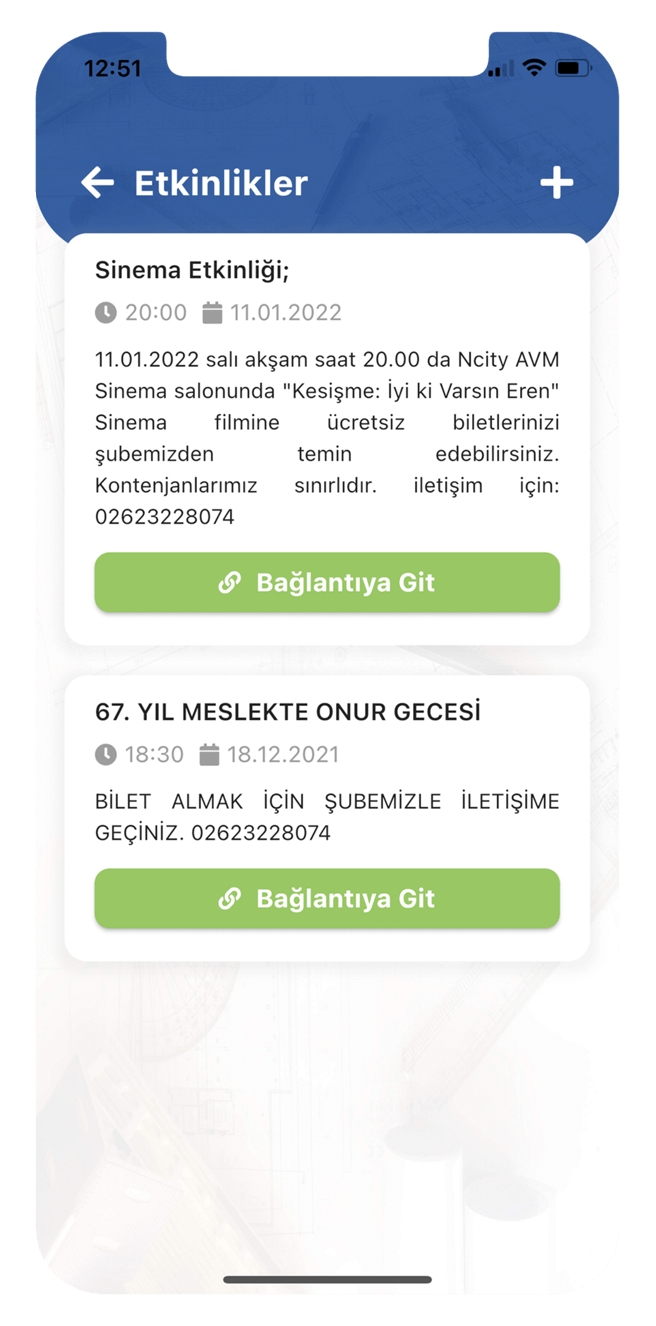
You can share upcoming events, such as in-house events, with your members. Members can request events. They can indicate participation status.
Contracted Institutionsr
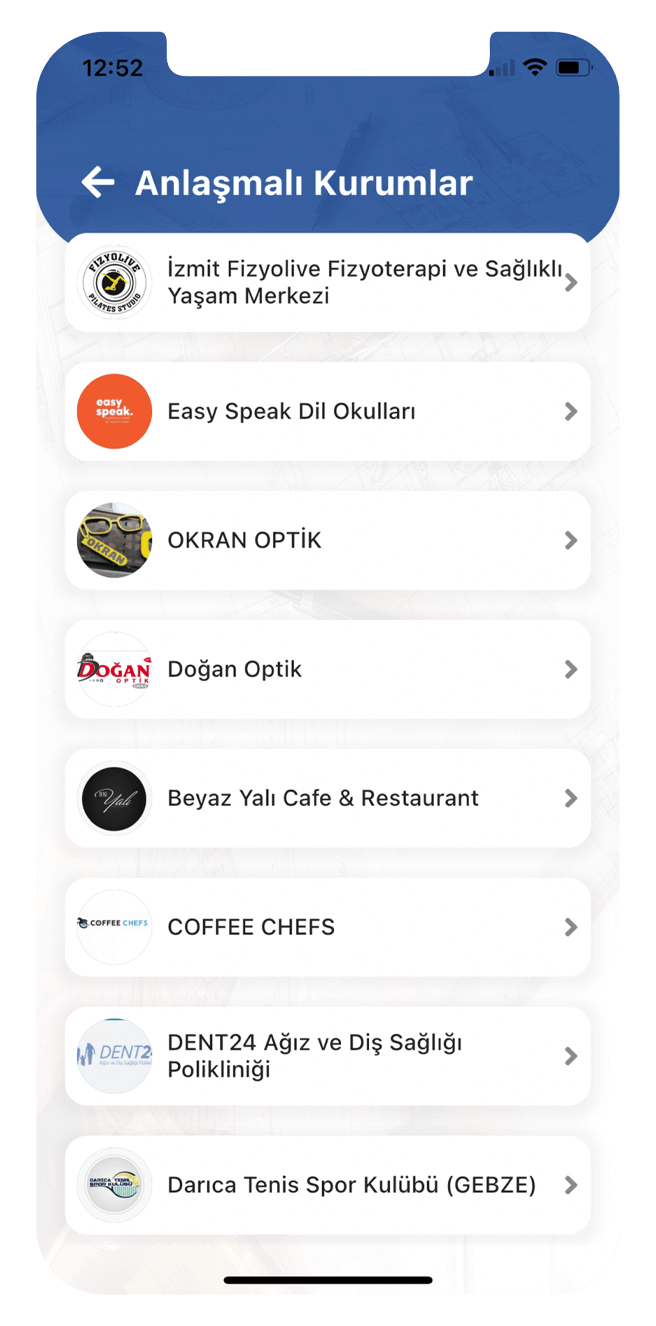
You can share with your members current companies that have signed a discount protocol with the chamber and sell extra discounted services or products to chamber members.
Courses
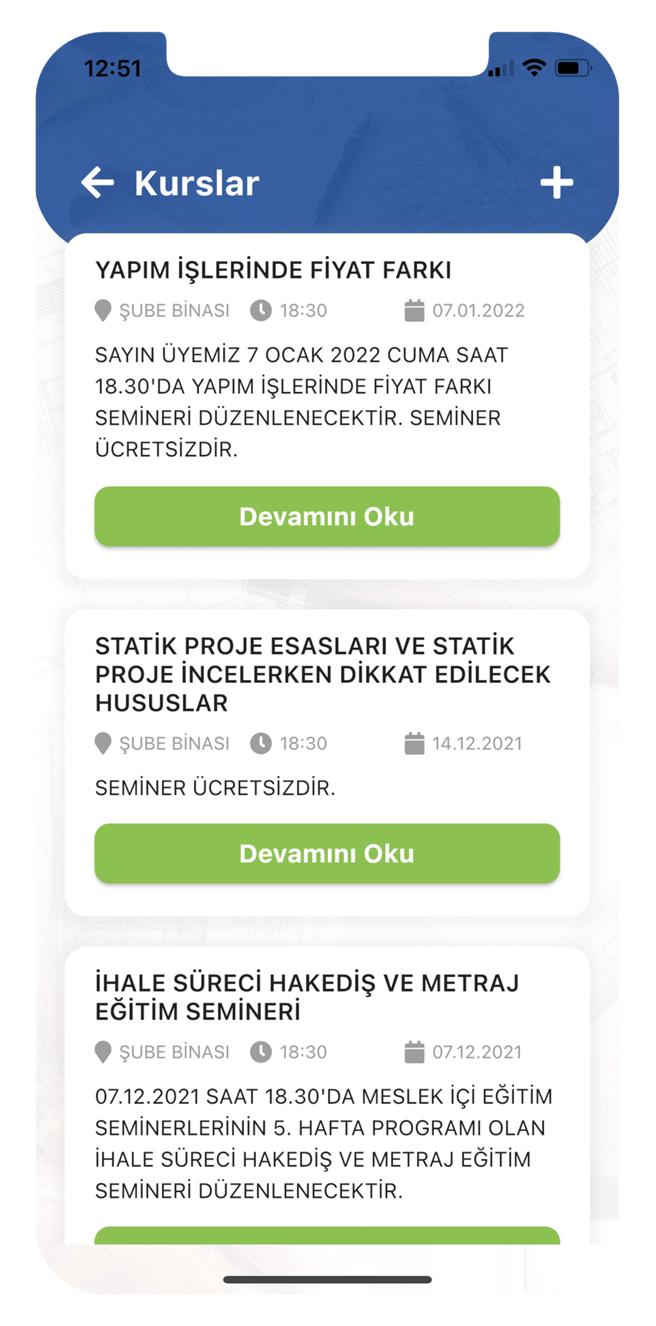
You can share the trainings and courses organized by the chamber with your members. Members can indicate their course participation status and submit new course requests.
CV Section
Chamber members who are actively looking for a job can share their CVs with other members and companies. At the same time, you can search and filter among members looking for a job.
Job Postings
Companies that are currently in need of employment and looking for personnel can share their job postings with all chambers and their members.
Companies
You can share the current list of registered, signed or authorized member companies in your chamber with your members here.
News
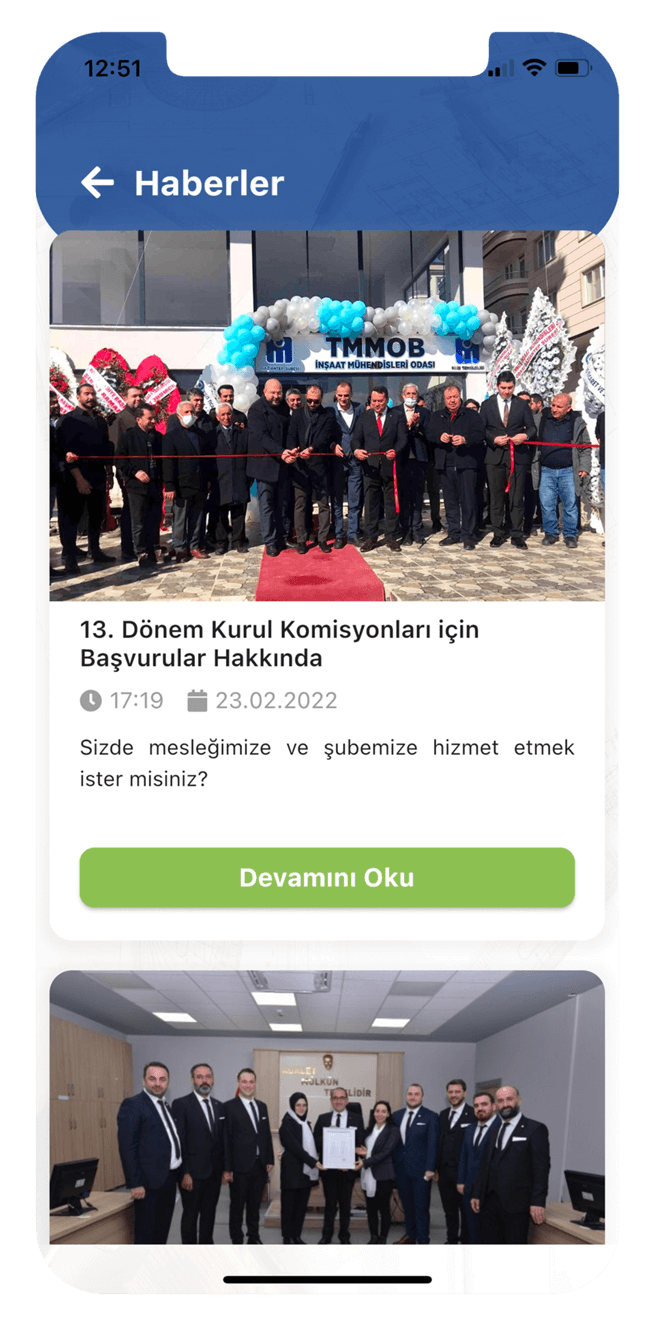
Share innovations, announcements and news about your chamber or industry with your members and send them notifications.
Publications
Share current technical documents, specifications, regulations or notices as PDF with your members.
Surveys
In order to improve your chamber/institution and therefore your members, create surveys at regular intervals and listen to the voices of your members.
Forum
Let your members open topics, ask each other questions on current sectoral issues, and get instant answers. Provide better communication between members.
Communication
Let your members write you messages via the application. With one click, you can get directions to the room, call you or send an e-mail.
Menu
You can access the Profile, About the Application, Board of Directors, Former Presidents, Branch Personnel, Dues Payment, Document Retrieval and Logout pages from here.
About
You can introduce your Chamber / Institution's mobile application to your members with your own logo and description text.
Board of Directors
Introduce the Chamber Board of Directors to your members. Give them the opportunity to get to know the Board of Directors better.
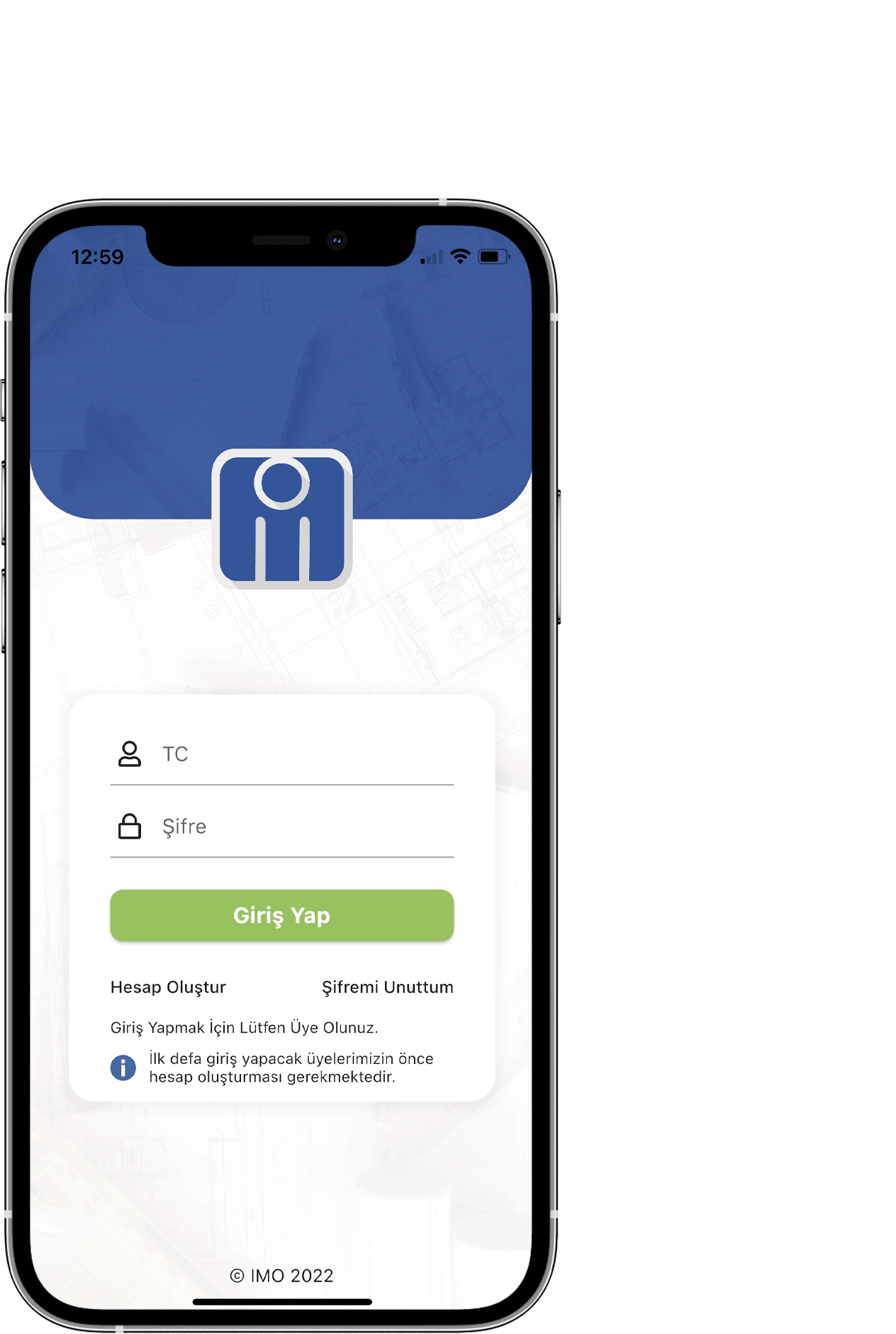
Login screen
It is the screen where users who download the mobile application can first log in or create an account (only registered members in the chamber can create an account).

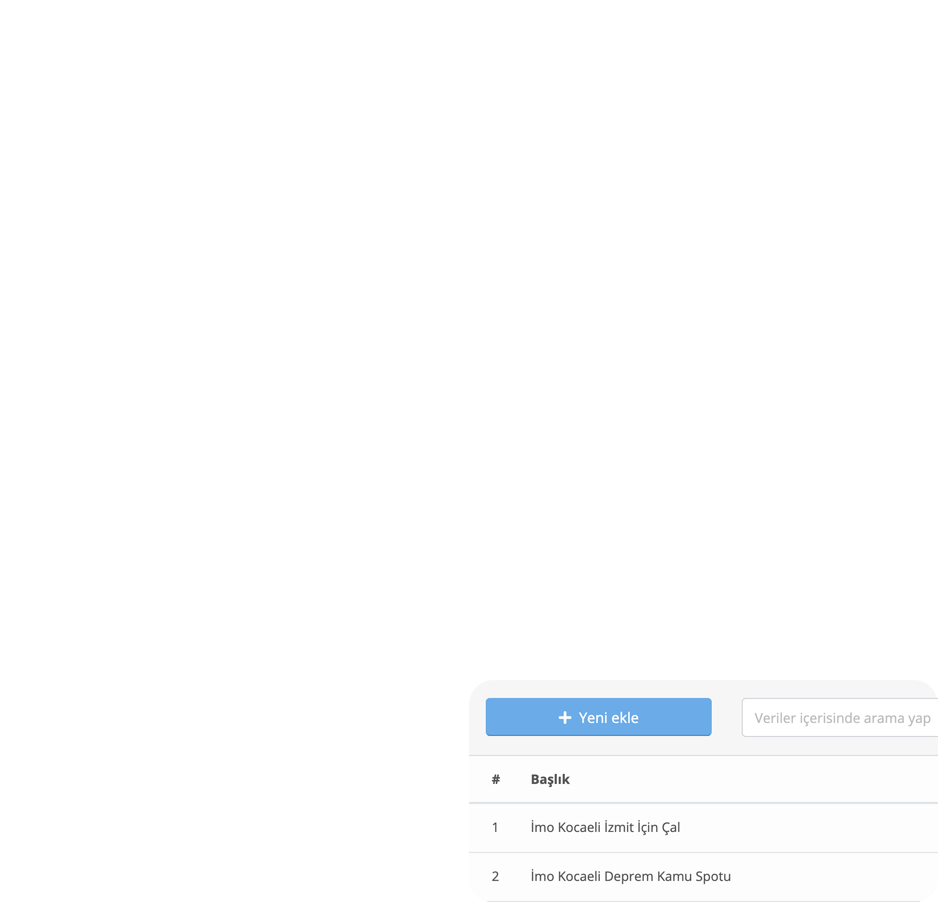
Managing the application and all its content is in your hands!
- You do not need to install a program with the web-based management panel.
- You can manage all the content of your mobile application.
- The administration panel is easy. Branch personnel can easily manage.
- Manage your iOS and Android mobile applications from one place.

Send unlimited and free mobile notifications to your members.
You can send notifications like sending a text message to all your members by writing a completely custom title and description.
When you enter a specific job posting, news, event or course, you can send a notification for this data with one click.
Custom design
Special designs that integrate with your corporate identity..

Contact us
for more
To get detailed information and use the application as a demo, please contact us using the contact information below.
bilgi@odamobil.com
Contact us+90 (534) 411 30 51
Call usA perfect decision for both your chamber and your members! Please contact us and we will send you our price offer. After you approve the offer, we will start the contract and purchasing procedures. We prepare the name, logo and color selections of the mobile application together with you in this process.
We publish your applications and offer you a turnkey service in order to provide you with a more accessible and easy-to-use service by taking full responsibility for keeping the applications up-to-date and publishing.
No problem. We produce and code all of our software ourselves. That's why we have the ability to make any desired changes.
If you send us the features you want in addition to us, we decide whether it brings an additional work to the process, and we inform you in detail at the proposal stage.
How long it takes to send content such as the logo, the name of the application and your contact information that we request from you has a great impact on the application delivery time.
Generally, the institutions and companies we work with provide the information we request within 1-2 days. We deliver your application to you in approximately 14 days.